
Menu
Your Cart

Laravel Google Maps Marker Clustering Project Source Code (GitHub Resource) | SoftwareBhai

Laravel Google Maps Marker Clustering Project Source Code (GitHub Resource) | SoftwareBhai
New Free
Laravel Google Maps Marker Clustering Project Source Code (GitHub Resource) | SoftwareBhai
  • Stock: In Stock
$0.00
Ex Tax: $0.00
  • Download the Laravel Google Maps Marker Clustering Project Source Code from GitHub and learn how to set it up locally on your PC. Includes database migration, API integration, and Google Maps marker clustering setup.


Laravel Google Maps Marker Clustering Project (GitHub Source Code) | SoftwareBhai Tech

This repository contains the complete Laravel Google Maps Marker Clustering Project Source Code used in the SoftwareBhai Tech tutorial series (Part 1 & Part 2).

If you’ve watched the tutorials, now you can download the full working project from GitHub and run it locally on your computer to practice or extend.


GitHub Repository:

https://github.com/softwarebhai/laravel_google_map_marker_cluster

How to Download & Run the Project Locally

  1. Clone or Download from GitHub

    git clone https://github.com/softwarebhai/laravel_google_map_marker_cluster.git

    or click “Code → Download ZIP” on GitHub.

  2. Open the Project Folder

    cd laravel_google_map_marker_cluster
  3. Install Dependencies

    composer install npm install
  4. Create .env File
    Copy the example file and set your database credentials:

    cp .env.example .env php artisan key:generate
  5. Migrate Database

    php artisan migrate --seed
  6. Serve the Project

    php artisan serve
  7. Open in Browser:
    Go to http://localhost:8000

  8. Google Maps API Setup:

    • Get a free Google Maps JavaScript API key

    • Add it in your Blade view (refer to tutorial video)


Related Tutorial Videos:

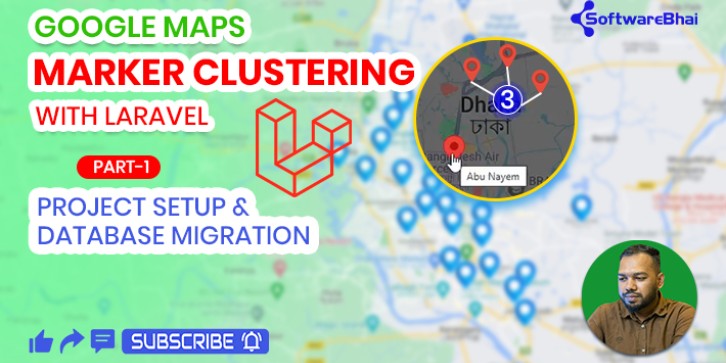
Part 1:Project Setup & Database Migration
Part 2:API Integration & Live Marker Display

Technologies Used:

  • Laravel 8

  • Google Maps JavaScript API

  • MySQL

  • AJAX / JSON

  • MarkerClusterer

Write a review

Note: HTML is not translated!
Bad Good