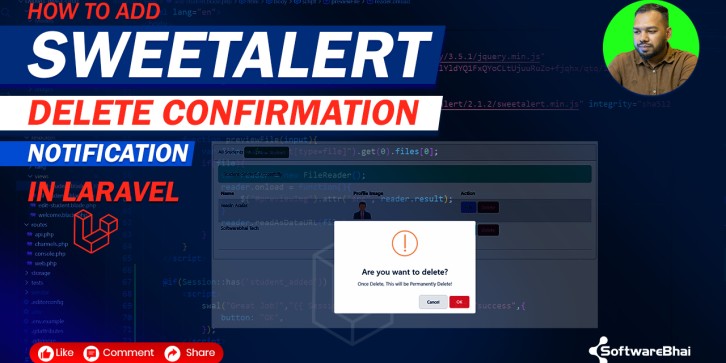
Are you looking for a clean and professional way to prevent accidental delete actions in your Laravel project?
In this product/tutorial, you will learn How to Add SweetAlert Delete Confirmation in Laravel | Confirm Before Delete (Step-by-Step) with full code and clear explanation.
This SweetAlert confirmation popup ensures the user must choose OK before a record is deleted. If the user clicks Cancel, the delete action is stopped immediately.
This is one of the most popular and recommended methods for Laravel CRUD security and user experience.
What You Will Learn
✔ How to add SweetAlert2 using CDN
✔ Create Delete Confirmation Popup in Laravel
✔ Trigger delete only when the user clicks OK
✔ Stop delete instantly when Cancel is pressed
✔ Use JavaScript event listeners to control delete action
✔ Works with any Laravel CRUD page
✔ Beginner-friendly step-by-step guide
Included in This Product
-
Full SweetAlert2 confirmation JavaScript code
-
Laravel Blade delete button example
-
Delete form handling logic
-
Ready-to-use reusable JS function
-
Video tutorial link for visual learners
-
SEO-friendly explanation for developers
-
Clean and simple code structure
Why You Should Use SweetAlert Delete Confirmation
SweetAlert2 improves the UI of your Laravel application by adding attractive and modern popup dialogs. It's more professional and safe compared to default browser alerts.
Benefits include:
-
Better user experience
-
Prevent accidental delete operations
-
Stylish popup with OK/Cancel buttons
-
Works in all modern browsers
-
No package installation required (CDN only)
How It Works (Step-by-Step)
1️⃣ Add SweetAlert2 CDN to your Blade layout
2️⃣ Add Delete button inside your CRUD table
3️⃣ Prevent default delete action using JS
4️⃣ Show SweetAlert confirm popup
5️⃣ Submit the delete form only if OK is clicked
6️⃣ Cancel the delete when Cancel is pressed
This works with all Laravel versions, including Laravel 8, 9, 10, and 11.