Menu
Your Cart

Laravel Resize Images Using Intervention/Image – GitHub Source Code | SoftwareBhai Tech

Laravel Resize Images Using Intervention/Image – GitHub Source Code | SoftwareBhai Tech
New Free
Laravel Resize Images Using Intervention/Image – GitHub Source Code | SoftwareBhai Tech
  • Stock: In Stock
$0.00
Ex Tax: $0.00
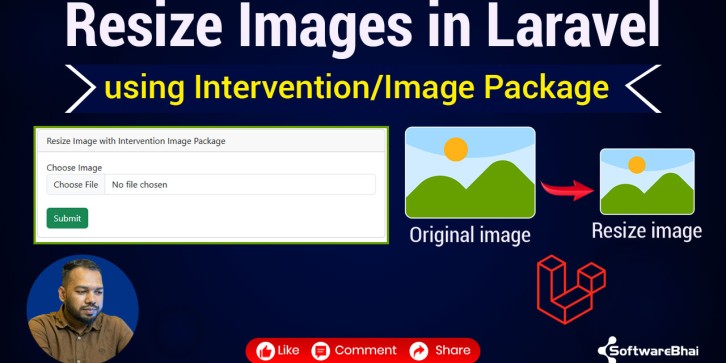
  • Get the full source code for the “How to Resize Images in Laravel using Intervention/Image” tutorial by SoftwareBhai Tech. Download from GitHub and set up locally for hands-on practice.

Laravel Resize Images Using Intervention/Image – GitHub Source Code

This repository contains the complete working Laravel project used in the tutorial by SoftwareBhai Tech where you learn how to resize uploaded images using the Intervention/Image package.

Download this project to explore real-world code with upload form, image processing logic, and database setup. It’s especially helpful if you prefer to learn by reading and testing code.

GitHub Repository:
https://github.com/softwarebhai/laravel-resize-image


How to Run This Project Locally

  1. Clone the repository:

git clone https://github.com/softwarebhai/laravel-resize-image.git
  1. Navigate into folder:

cd laravel-resize-image
  1. Install dependencies:

composer install npm install
  1. Copy .env.example to .env, update database credentials:

cp .env.example .env php artisan key:generate
  1. Run migrations:

php artisan migrate
  1. Start the development server:

php artisan serve

Open your browser at http://localhost:8000 and test the image upload & resize functionality.


Perfect For

  • Laravel beginners & students

  • Developers working on image upload or file-management features

  • Anyone following the tutorial and wants the full project code

Write a review

Note: HTML is not translated!
Bad Good