Menu
Your Cart

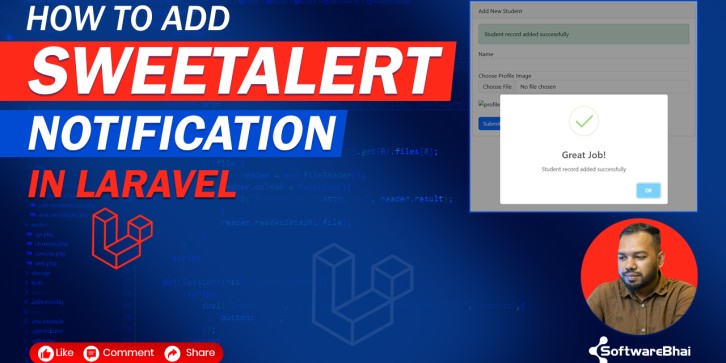
How to Add SweetAlert Notification in Laravel Existing Project Easily (Step-by-Step 2025)

How to Add SweetAlert Notification in Laravel Existing Project Easily (Step-by-Step 2025)
New Free
How to Add SweetAlert Notification in Laravel Existing Project Easily (Step-by-Step 2025)
  • Stock: In Stock
$0.00
Ex Tax: $0.00
  • Learn how to integrate SweetAlert2 popup notifications in your Laravel project using session flash messages — supports success, error, and delete confirmation alerts. A simple 2025 step-by-step guide for existing Laravel applications.

How to Add SweetAlert Notification in Laravel Existing Project Easily (Step-by-Step 2025)

Learn how to integrate modern popup notifications using SweetAlert2 in Laravel. This tutorial shows you how to add success, error & delete confirmation alerts using session flash messaging.

What You'll Learn

  • ✔ Add SweetAlert2 via CDN or npm
  • ✔ Display success & error alerts from session flash
  • ✔ Works on any existing Laravel project

Quick Steps Overview

  1. Add SweetAlert2 CDN inside layout/app.blade.php
  2. Send flash message from controller using with()
  3. Read session and show alert via JS
  4. Add delete confirmation popup

Why SweetAlert?

SweetAlert is perfect for CRUD dashboards, admin panels, ecommerce, ERP systems or any Laravel app that needs modern UI notifications.

Notes & Compatibility

Supports Laravel 8, 9, 10 & latest 2025 versions. Works with existing Blade layout and routing systems.

Write a review

Note: HTML is not translated!
Bad Good