Take your Laravel Yajra DataTables project to the next level with this practical tutorial by SoftwareBhai Tech.
In this video, you’ll learn how to customize your DataTables setup with a responsive layout, export buttons, and pagination settings — perfect for Laravel admin panels, reporting dashboards, and data-driven applications.
This tutorial is beginner-friendly and ideal for Laravel developers who already know how to use Yajra DataTables and want to add more professional features for a better user experience.
What You’ll Learn
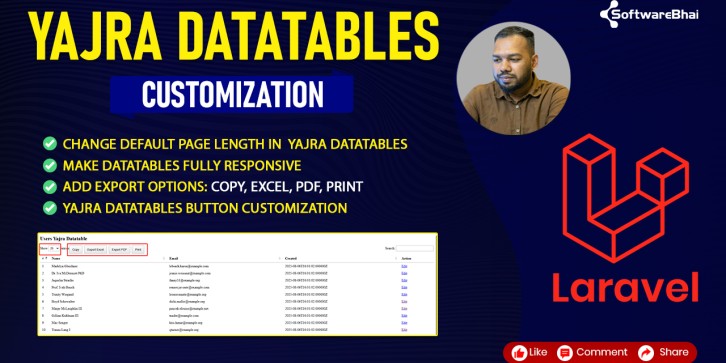
✅ How to change the default page length in Yajra DataTables
✅ How to make DataTables fully responsive on all devices
✅ How to add export buttons — Copy, Excel, PDF, Print
✅ How to customize DataTables buttons for better UX
✅ How to configure DataTables Builder options properly
✅ How to add Bootstrap integration for clean design
Tools & Technologies Used
Why This Tutorial Matters
Most Laravel developers use Yajra DataTables but forget about advanced options like responsive tables, pagination limits, and export features.
In this guide, you’ll learn how to:
-
Export your table data to Excel, PDF, and Print with a single click
-
Display data beautifully across mobile, tablet, and desktop devices
-
Optimize the default display length for better performance
Whether you’re managing user lists, orders, or reports, this configuration will make your Laravel project look professional and user-friendly.