Menu
Your Cart

How to Download & Install XAMPP Latest Version (Step by Step Guide 2026)

How to Download & Install XAMPP Latest Version (Step by Step Guide 2026)
New Free
How to Download & Install XAMPP Latest Version (Step by Step Guide 2026)
  • Stock: In Stock
$0.00
Ex Tax: $0.00
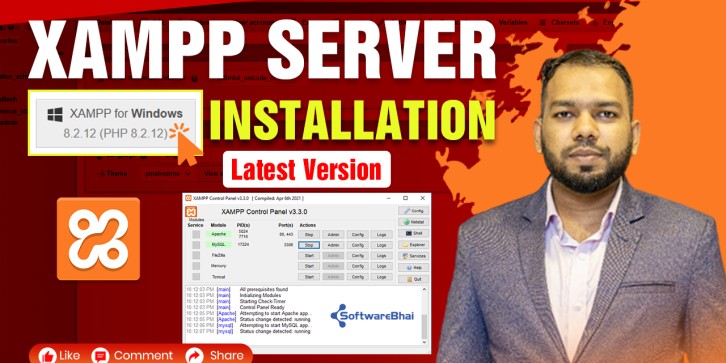
  • If you want to start PHP development, the first thing you need is a local server. In this tutorial, we will learn how to download and install the latest version of XAMPP step by step.

What is XAMPP?

XAMPP is a free and open-source local server that includes:

  • Apache Server
  • MySQL / MariaDB
  • PHP
  • phpMyAdmin

It allows you to run web applications on your local machine.


⬇️ Step 1: Download XAMPP

  • Go to the official website of XAMPP
  • Download the latest version for your operating system (Windows)

⚙️ Step 2: Install XAMPP

  1. Open the downloaded file
  2. Click Next
  3. Select components (Apache, MySQL, PHP)
  4. Choose installation directory (default recommended)
  5. Click Install

▶️ Step 3: Start XAMPP Server

  • Open XAMPP Control Panel
  • Start Apache and MySQL
  • If both are running, your server is ready

Step 4: Test Installation

Open your browser and go to:

http://localhost/

If you see the XAMPP dashboard, installation is successful ????

Write a review

Note: HTML is not translated!
Bad Good