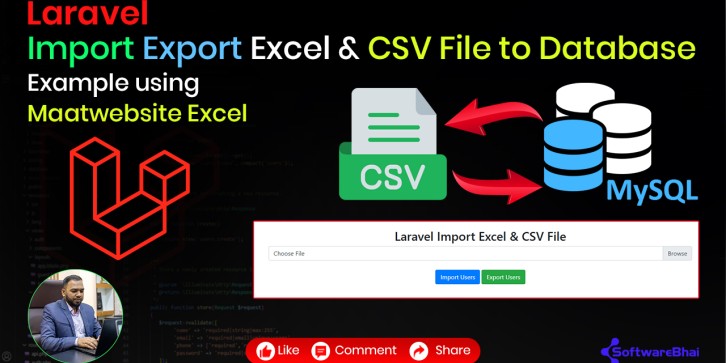
Explore the Laravel Excel Import Export GitHub Source Code by SoftwareBhai, a complete Laravel example project demonstrating how to import and export Excel and CSV files to and from the database using the popular maatwebsite/excel package.
This open-source project is perfect for developers who want to handle bulk data uploads or exports, build admin dashboards, or automate database data management with Excel or CSV files.
Project Highlights:
· Install and configure maatwebsite/excel in Laravel
· Import Excel & CSV files into the Laravel database
· Export Laravel data into Excel & CSV formats
· Generate dummy data using php artisan tinker
· Create Import and Export classes, routes, and controllers
· Solve the common Laravel Excel error:
"Call to undefined method Illuminate\Foundation\Application::share()"
GitHub Repository:
https://github.com/softwarebhai/laravel-excel-import-export
How to Run This Project Locally:
1. Clone the repository:
2. git clone https://github.com/softwarebhai/laravel-excel-import-export
3. Navigate into project folder:
4. cd laravel_auth_breeze
5. Install dependencies:
6. composer install
7. npm install
8. Copy .env.example to .env, update database credentials:
9. cp .env.example .env
10. php artisan key:generate
11. Run migrations:
13. Serve the project:
Open in browser at http://localhost:8000 and explore the Export Excel & CSV File.
Perfect For:
· Laravel beginners & students
· Developers wanting full solution laravel export import system
· Anyone following SoftwareBhai Tech tutorials and needing source code