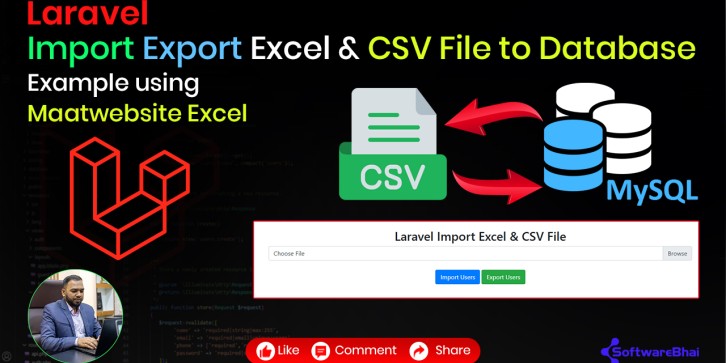
In this Laravel tutorial by SoftwareBhai, you'll get a complete, hands-on guide to importing and exporting Excel and CSV files to and from your database using the popular Maatwebsite Excel package. This lesson is perfect for developers working on admin dashboards, data management systems, or any Laravel project requiring bulk data handling.
What You’ll Learn:
-
Installing maatwebsite/excel in Laravel
-
Importing Excel & CSV data into a Laravel database
-
Exporting Laravel data to Excel and CSV files
-
Generating fake user data using php artisan tinker
-
Creating import/export classes, controllers, and routes
-
Fixing the common error:
"Call to undefined method Illuminate\Foundation\Application::share()" — and understanding why it happens with older versions of Maatwebsite Excel or Laravel.
Why Watch This Tutorial:
-
Beginner-friendly and practical
-
Covers both import and export with real examples
-
Step-by-step guidance using simple code and clear explanations
-
Helps you streamline your Laravel data management workflow
Includes:
Get the full GitHub Source Code here:
Laravel Excel Import Export GitHub Source Code | SoftwareBhai
(or directly visit GitHub: https://github.com/softwarebhai/laravel-excel-import-export)
Perfect For:
-
Laravel developers (beginner to intermediate)
-
Students learning data management in Laravel
-
Developers building admin dashboards, CMS, or reporting tools